Room catalog
The room pages contain characteristics, photos, layout, services and a form to proceed to the reservation.
For the guest: accommodation information collected in one place.The only digital product for guests and the team: the public site helps to choose a room and send an application, and the internal system supports work with reservations.
Format of the project Web portal Website, online booking, content management and work tools.
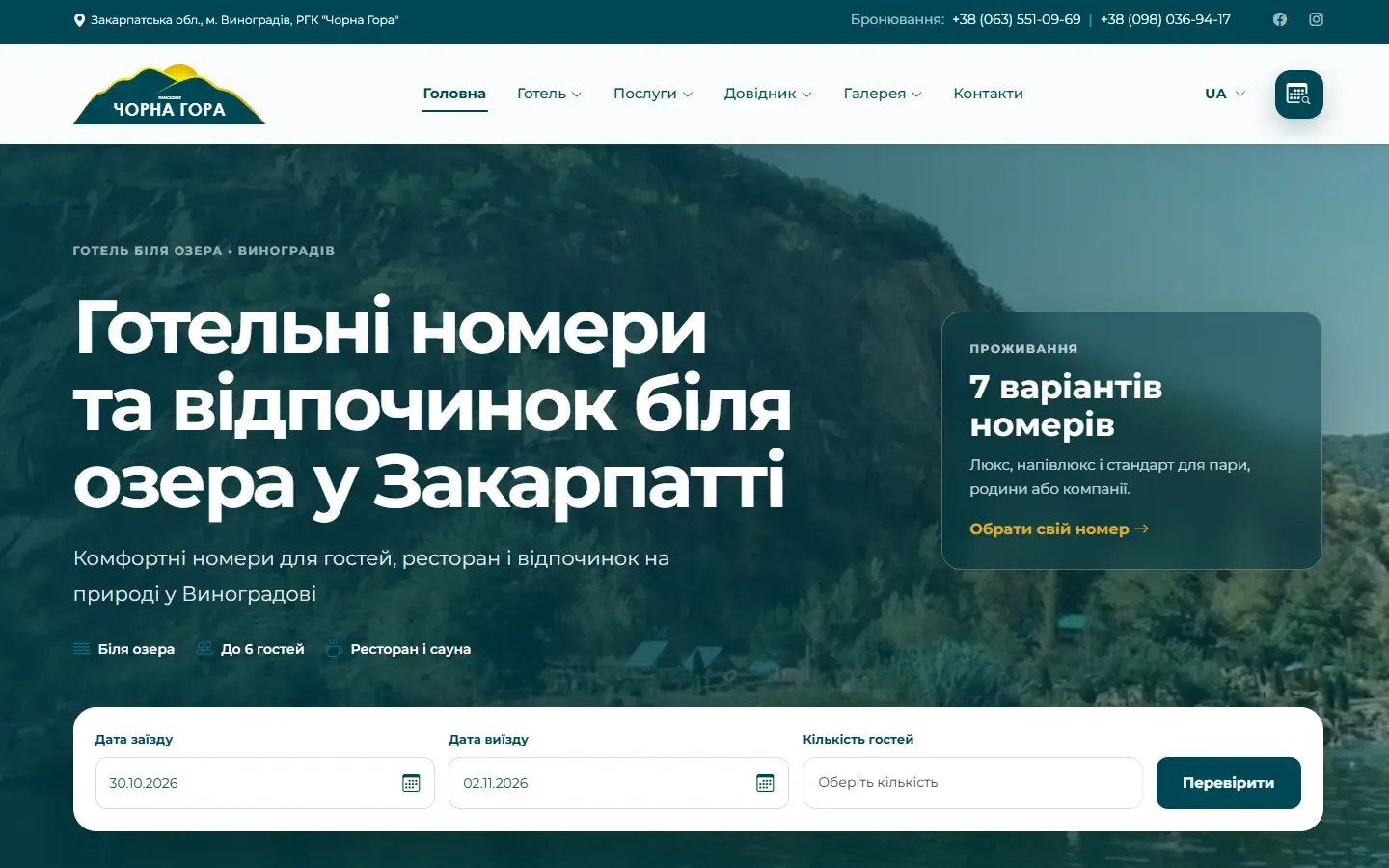
The guest must quickly find the room, check the dates and leave a request. The command is to get reservations in the working environment, see room occupancy and work with data without duplication.
That is why the public part and internal tools are built as one product, but for different scenarios: selecting and contacting the guest - externally, processing and controlling reservations - internally.
Each module solves a specific task of the complex — from choosing a room to making a reservation.
The room pages contain characteristics, photos, layout, services and a form to proceed to the reservation.
For the guest: accommodation information collected in one place.The user chooses dates, number of guests and room. The system checks availability, calculates the cost, creates a request and sends a confirmation.
For the team: new booking immediately appears in the working system.The administrative part contains a list of bookings, clients, statuses, group bookings and room plan for daily control check-in.
For the team: booking and accommodation are visible in one working context.Through the system, the team manages publications and tourist materials, works with requests from the site, reviews and chat.
For the guest: up-to-date information and several ways get in touch.The site is not limited to the presentation of the complex: it guides the guest to the reservation and transfers the necessary data to the team. The internal part continues this script in working with numbers, applications and communication.
Back to worksBriefly explain what needs to be changed. We will ask the right questions and create a clear first step.
Tell us what you want to create or improve — without a complicated brief or technical terms.